 Now serving
 Now serving

Print-and-Apply Pallet Labeling: How Automated Labeling Improves Traceability
Published
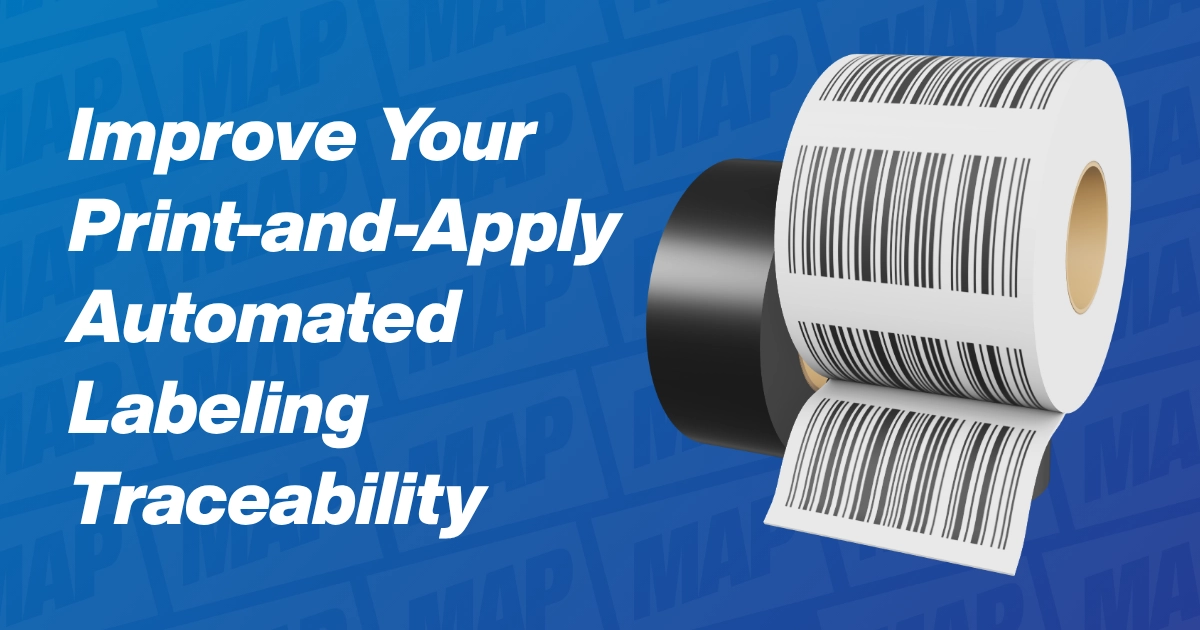
Print-and-apply pallet labeling prints a GS1 Serial Shipping Container Code (SSCC) label and puts it on each pallet automatically. Automation keeps labels consistent, GS1 sets where they go, scan checks prove each one reads, and good planning ties the system into your line. Check your equipment manual for model-specific settings.
Why Pallet Label Consistency Matters for Traceability
A pallet label is more than a shipping sticker. Under GS1 standards, the SSCC is the only required item on a logistics label. Scanning it lets trading partners match each pallet to the electronic records that describe it. That link supports shipment routing and automated receiving.
Staffing makes this harder. In a study by Deloitte and The Manufacturing Institute, 65% of manufacturers said finding and keeping workers is their top business challenge. The study also found that more than 1.9 million of up to 3.8 million needed jobs could go unfilled through 2033. Manual labeling asks a person to print, match, and place a label on every pallet, every shift.
So, treat each pallet label as a data handoff to the next facility. Seen that way, the case for automated pallet labeling gets much clearer.
Manual vs. Automated Pallet Labeling
Manual labeling works only when people get the order right. When labels are put on by hand, GS1 lists printing one label at a time as one way to limit the risk of using the wrong one. GS1 also lists common problems: wrinkled labels, poor placement, and labels hidden under stretch wrap.
A print-and-apply system prints and places the label in one cycle. Many systems can also scan the barcode before the pallet moves on. Here is how the two methods compare.
| Factor | Manual labeling | Automated print-and-apply |
|---|---|---|
| Label-to-pallet match | Depends on the operator grabbing the right label | The label prints for the pallet at the machine |
| Placement | Varies by person and pallet height | The applicator places it at a set spot |
| Scan checks | Handheld spot checks, if any | Built-in scanning on some systems |
| Labor | A person at every pallet | Operators load label rolls and handle exceptions |
| Cold areas | People work in the cold | Cold-rated systems can run in the freezer |
Manual labeling still has a place. GS1 calls a pre-printed SSCC-only label a good option when a site has no print-and-apply system. So, if your volume is low, tighten your manual steps first. Then look at automation as pallet counts grow.
GS1 SSCC Pallet Label Basics and Placement
What Goes on an SSCC Pallet Label
An SSCC is an 18-digit serial number. It is built from a GS1 Company Prefix, a serial number, and a check digit. GS1 says the company that builds the pallet should assign the SSCC with its own prefix. The number should come from your Warehouse Management System (WMS) or Enterprise Resource Planning (ERP) system. It always sits in the lowest barcode on the label, as a GS1-128 barcode.
Labels can also carry product data, like the Global Trade Item Number (GTIN), a lot number, and dates. GS1 suggests a 6 x 8 inch label when that extra data is needed. Label stock is your choice, so confirm the material and print method with your label supplier.
GS1 Pallet Label Placement Rules
GS1 placement rules are specific, and they should drive your applicator setup. These come from the GS1 Logistic Label Guideline, Release 1.3.
| Placement item | GS1 guidance |
|---|---|
| Barcode height | 16 to 32 inches (400 to 800 mm) from the pallet base, or as high as possible on pallets under 16 inches |
| Edge clearance | At least 2 inches (50 mm) from any vertical edge, including quiet zones |
| Number of labels | Two sides with the same label is recommended |
| Side position | The right side of each face is easiest for right-handed forklift drivers to scan (a tip, not a rule) |
| Barcode direction | Horizontal, with bars at a right angle to the pallet base |
| Stacked pallets | Each pallet gets its own SSCC, and a group shipped wrapped together gets one more SSCC and a master label |
So, write these rules into your equipment spec before you pick an applicator. Your customers may add their own rules, so check those too. Evolabel's FlexWipe, for example, can label either of two adjacent pallet sides within 12 seconds with the same setup, including a check of all barcodes on the GS1 SSCC label.
Scan Checks and Pallet Label Traceability
A label can look fine and still fail at the next facility. GS1 suggests three levels of checks at setup: a visual check, a check of the label data, and a barcode quality test. After startup, GS1 calls for regular checks. It also calls for routine service and calibration of the label printer.
This week is World Quality Week 2026 from the Chartered Quality Institute (CQI), and it is a good reminder. Every pallet label is a promise downstream. Receivers scan the SSCC and match it to the Advance Ship Notice (ASN). If the code won't scan, that promise breaks at the receiving door.
So, build scanning into the line instead of relying on spot checks. An inline scan catches a bad print at the machine, where the fix is quick. If codes fade or smudge, our guide on why print code keeps failing walks through common causes.
Where Food Traceability Rules Fit
Food plants often ask how pallet labels relate to the Food Traceability Rule under the Food Safety Modernization Act (FSMA). As of November 12, 2026, the rule covers firms that make, process, pack, or hold foods on the Food Traceability List. They must keep Key Data Elements (KDEs) for Critical Tracking Events (CTEs), such as shipping and receiving. They must also give records to the U.S. Food and Drug Administration (FDA) within 24 hours of a request.
The FDA proposed moving the compliance date to July 20, 2028. Congress then told the FDA not to enforce the rule before that date. The rule covers records. It does not require a certain pallet label or labeling machine. Still, clean, scannable labels make shipping and receiving records easier to capture.
Integration Considerations for Print-and-Apply Pallet Labeling
Engineering teams often decide whether a labeler succeeds. Here are the main points to review, using Evolabel's published software options as an example.
- Data connection: Evolabel printers can fill label layouts with data from your ERP system using Extensible Markup Language (XML). An Application Programming Interface (API) gives full access to the software. Map where each SSCC comes from before the machine arrives.
- Line control: Another system can run the applicator cycle through the API or digital inputs and outputs. The printers also offer a Modbus TCP link. Confirm what your Programmable Logic Controller (PLC) and conveyor controls expect.
- Backup and capacity: Evolabel's Co-Op feature adds printers for full backup, or to double or triple capacity, with no changes to your own software. It fits lines where a labeler stop would halt shipping.
- Stretch wrap position: GS1 flags labels hidden under wrap as a common problem. Place the labeler so it labels the outside of the finished load.
- Pallet height and floor space: The FlexWipe Motorized Stand XL Coldstore labels loads of different heights across a range of up to 5 feet 3 inches (1.6 m), in less than 10.8 square feet with the stand. Check forklift clearance around it.
- Air, power, and guarding: That system stops if it finds an obstacle or loses power or compressed air. Evolabel says the FlexWipe's tactile arm and pivoting mount can remove the need for costly guarding in many cases. Review your air supply, which our compressed air quality post covers, and confirm your site's guarding rules.
- Software testing: Evolabel offers a Virtual Printer for Mac, Windows, and Linux, so developers can test without hardware. Your IT team can start before installation.
Cold Storage Pallet Labeling With the Evolabel Coldstore Range
Cold storage adds another layer. Evolabel's Coldstore Range is rated for labeling from -30°C to +40°C (-22°F to 104°F), with no heating cabinets or enclosures. The FlexWipe Motorized Stand XL Coldstore labels up to 5 pallets per minute and changes label rolls in under 1 minute. Its built-in brushes help labels stick to rough, uneven, and cold surfaces.
For loads that stand still, the eTamp Coldstore applicator handles side, top, and pallet labeling. Its stroke runs from 5.9 to 25.6 inches (150 to 650 mm). GS1 adds that wider barcode bars, within the allowed range, can help scanning where freezing may hurt print quality. For freezer setup, see our cold storage labeling equipment guide, and match cold-rated label stock to your applicator settings.
Where Mid-America Packaging Helps
Mid-America Packaging (MAP) sells, installs, and services Evolabel print-and-apply systems, including FlexWipe and the Coldstore Range. Local sales engineers can review your pallet flow, wrap position, and data path, and MAP can set up an equipment demo or trial. After startup, field service technicians and hands-on operator training help keep every label landing where it should.
Frequently Asked Questions About Print-and-Apply Pallet Labeling
What is print-and-apply pallet labeling?
It is an automated process that prints a shipping label on demand and applies it to each pallet. Many systems also scan the label to confirm it reads. Check your equipment manual for your system's sequence and settings.
Where should a pallet label be placed?
GS1 guidance places the barcode 16 to 32 inches from the pallet base and at least 2 inches from a vertical edge, with identical labels on two sides. Your customers may add their own rules. Your equipment distributor can help set the applicator to match.
Can a print-and-apply labeler run in a freezer?
Only if the model is rated for that temperature. Check the operating range in your equipment manual before installing it in a cold area. Ask your equipment distributor about setup for cold-rated label materials.
How many pallets per hour can an automated labeler handle?
It depends on the system, the number of sides labeled, and whether each label is scanned. Your equipment manual lists rated speeds. Your equipment distributor can help estimate a realistic rate for your line.
Talk to Your Mid-America Packaging Rep About Print-and-Apply Pallet Labeling
Whether you label pallets by hand today or want more from an existing labeler, your local Mid-America Packaging rep can walk your line and review placement, scanning, and integration with you. Ask for an Evolabel demo, a service visit, or a recommendation for cold storage areas. If pallet labels are slowing shipments or causing receiving problems, it's worth a conversation with our team.
Sources
- GS1 Logistic Label Guideline, Release 1.3 (July 2019)
- National Association of Manufacturers: Deloitte and The Manufacturing Institute Workforce Study (April 3, 2024)
- Evolabel: FlexWipe Pallet Labeling System
- Evolabel: eTamp Applicator
- Evolabel: Coldstore Range
- Evolabel: Software/Connectivity
- U.S. FDA: FSMA Final Rule on Requirements for Additional Traceability Records for Certain Foods (content current as of November 4, 2026)
- Chartered Quality Institute: World Quality Week 2026
Talk with a Mid-America Packaging representative today!
We have Mid-America Packaging representatives across the country who can help you compare products, troubleshoot line issues, or arrange on-site testing.